Answer Tracking
Monitor how AI models mention your brand and track visibility across major AI engines.
Answer Tracking monitors how AI models respond to questions about your brand, letting you measure and improve your visibility across major AI engines over time.
How does Answer Tracking work?
You add a question and your brand name. AEOify sends the question to multiple AI models, analyzes their responses for mentions of your brand, and calculates a visibility score. Results are stored so you can track trends over time.
How do I add a tracked question?
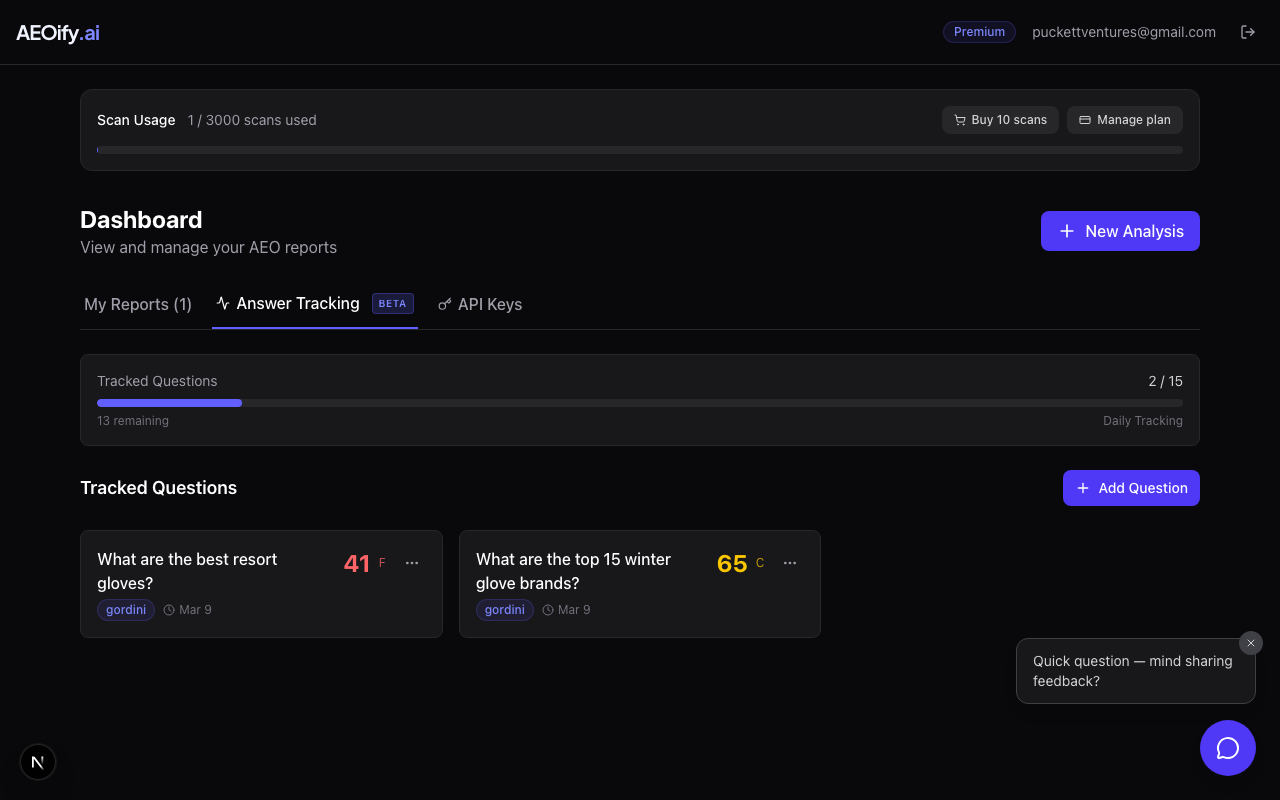
- Sign in and go to your dashboard.
- Click the Answer Tracking tab.
- Click Add Question.
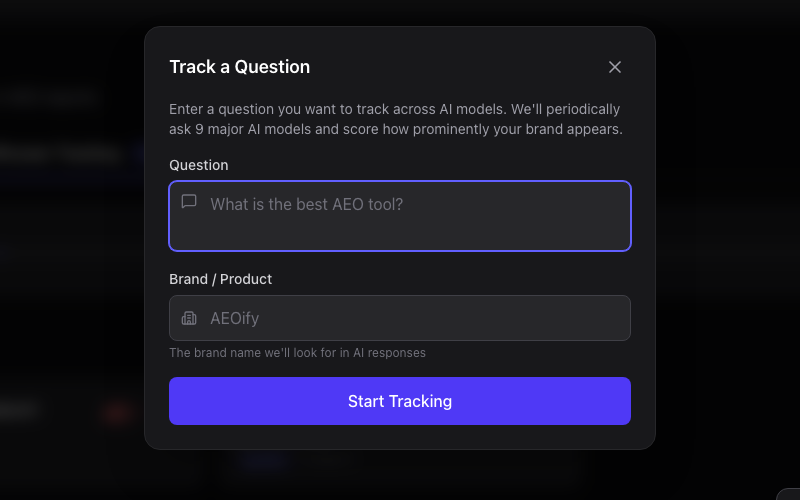
- Enter the question a potential customer might ask (e.g., "What are the best project management tools?").
- Enter your brand name (e.g., "Acme PM").
- Click Start Tracking.
The first scan begins immediately. You will see results appear as each AI model responds.
Which AI models are tracked?
Answer Tracking queries these AI models:
| Model | Provider |
|---|---|
| GPT-5 | OpenAI |
| Claude Sonnet 4.6 | Anthropic |
| Gemini 2.5 Flash | |
| Perplexity Sonar | Perplexity |
Additional models may be added over time as new AI engines gain adoption.
What do the status badges mean?
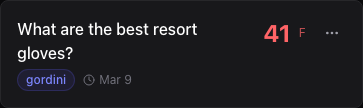
Each question card shows a status badge:
- Queued: The scan is waiting to start.
- Scanning: AI models are being queried.
- Analyzing: Responses are being scored.
- Complete: All results are in and scores are calculated.
- Failed: The scan encountered an error and will retry automatically.
- Paused: Tracking is paused. You can resume it at any time.
How many questions can I track?
| Plan | Questions included | Tracking cadence |
|---|---|---|
| Standard Monthly | 5 | Monthly |
| Standard Annual | 5 | Monthly |
| Premium Monthly | 15 | Daily |
| Premium Annual | 15 | Daily |
You can purchase additional question slots as an addon from your dashboard.
How do I manage tracked questions?
- Pause/resume: Click the pause button on any question card to stop tracking temporarily. Click resume to restart.
- Delete: Remove a question and all its historical data permanently.
- Buy more slots: If you have reached your plan limit, purchase addon question slots from the Answer Tracking tab.
- How often does Answer Tracking scan?
- Standard plans scan monthly. Premium plans scan daily. Each scan queries all active AI models and updates your visibility scores.
- Can I add more questions beyond my plan limit?
- Yes. Purchase additional question slots as an addon from your dashboard. Addon slots do not expire and remain available as long as your subscription is active.
- What is a good visibility score?
- A score above 70 (grade A or A-) means your brand is consistently mentioned across AI models. Scores below 40 (grade D or F) indicate significant room for improvement. See tracking metrics explained for score details.
- Can I track competitor brands?
- Yes. Add a question with a competitor's brand name to see how they appear in AI responses. This helps you benchmark your visibility against competitors.