Run your first analysis
Enter a URL, pick a plan, and get your first AEO report in minutes.
Quick start
Enter your URL on the homepage, choose a scan mode, provide your email, choose a plan, and your report will be ready in minutes.
Step-by-step
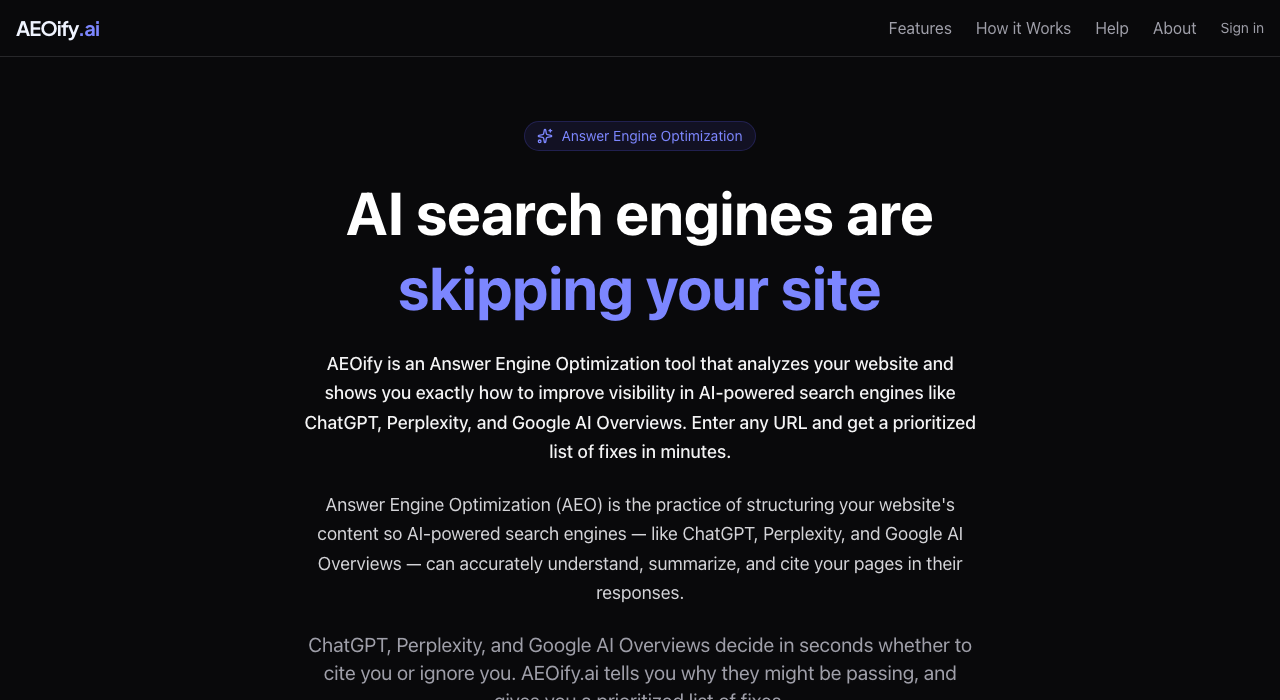
-
Go to the homepage and paste your site URL into the input field.
-
Choose a scan mode. Select "Smart scan" to auto-discover your key pages, or "Single page" to analyze just the URL you entered. Smart scans use 10 credits; single page scans use 1 credit.
-
Enter your email address. If you already have an account, you will be asked to sign in.
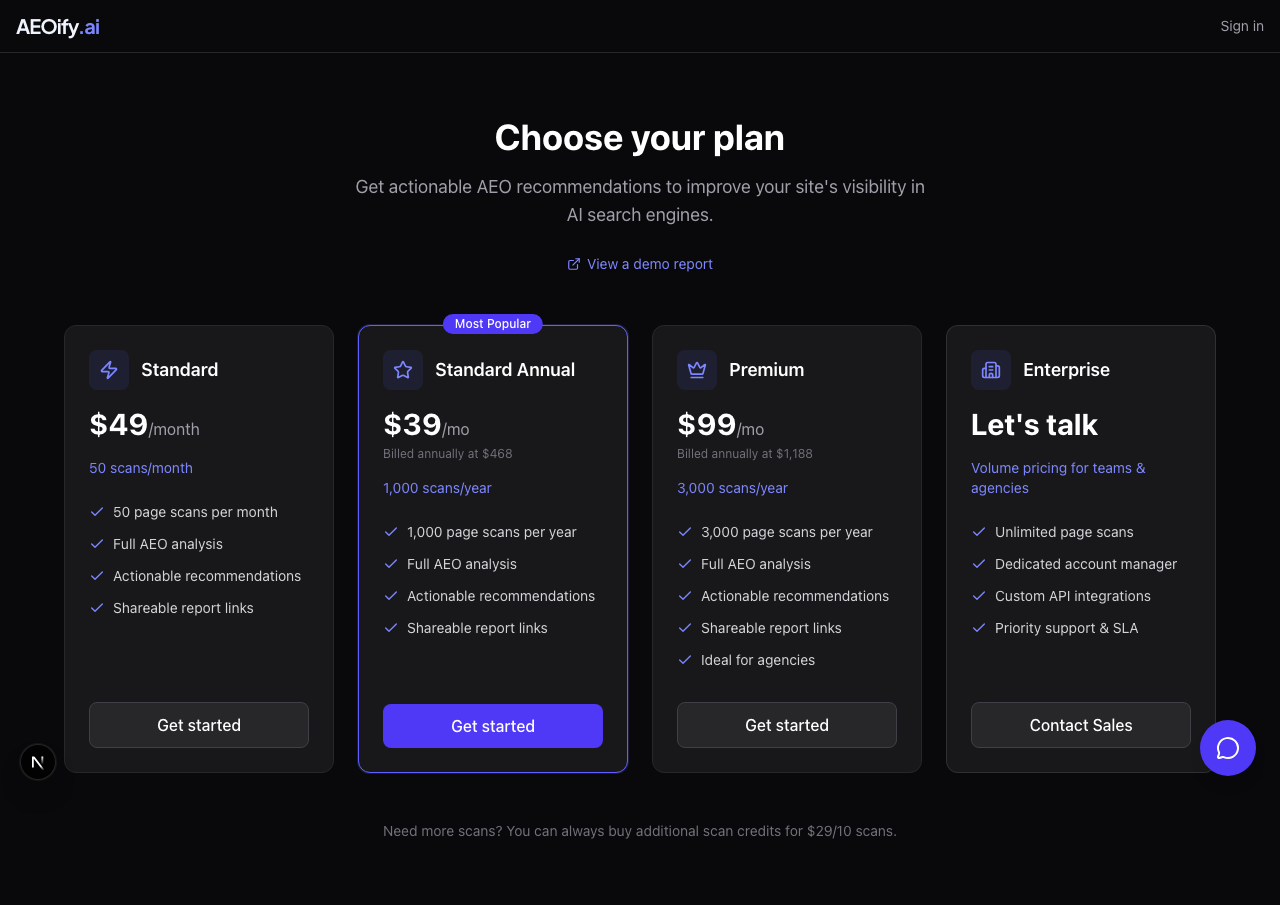
-
Choose a plan on the subscribe page. See plans and pricing for details on what each tier includes.
-
Set your password after completing payment to finish creating your account.
-
Your analysis starts automatically. You will land on your dashboard where you can see the report status.
-
Wait for results. A smart scan takes 2 to 5 minutes. Single page scans are faster, usually under a minute.
What happens during analysis
AEOify loads your pages in a real browser and evaluates each page against current AEO best practices. In smart scan mode, it follows internal links and auto-discovers your key pages. In single page mode, it analyzes only the URL you entered. See how AEOify works for the full process.
After your report is ready
Open the report from your dashboard to see your recommendations sorted by impact. Start with the quick wins at the top of the list. You can also add more pages to an existing report using the "+ Add page" button in the badge row. See reading your AEO report for a walkthrough.
Starting another analysis

From your dashboard, use the "New Analysis" button to scan a different URL or rescan the same site after making changes. Each scan counts against your plan's monthly limit or your scan credits. See scan credits for details.
- How many pages does one scan cover?
- A smart scan auto-discovers your key pages (up to 10). A single page scan analyzes just the URL you enter. You can also add individual pages to an existing report at 1 credit per page.
- Can I scan someone else's site?
- Yes. You can enter any publicly accessible URL. This is useful for auditing client sites or competitor research.