Account settings
Manage your AEOify account, sign in, and access your dashboard.
Accessing your account
Sign in at the login page with your email and password. After signing in, you land on your dashboard where you can view reports, start new analyses, and manage your account.
Your dashboard
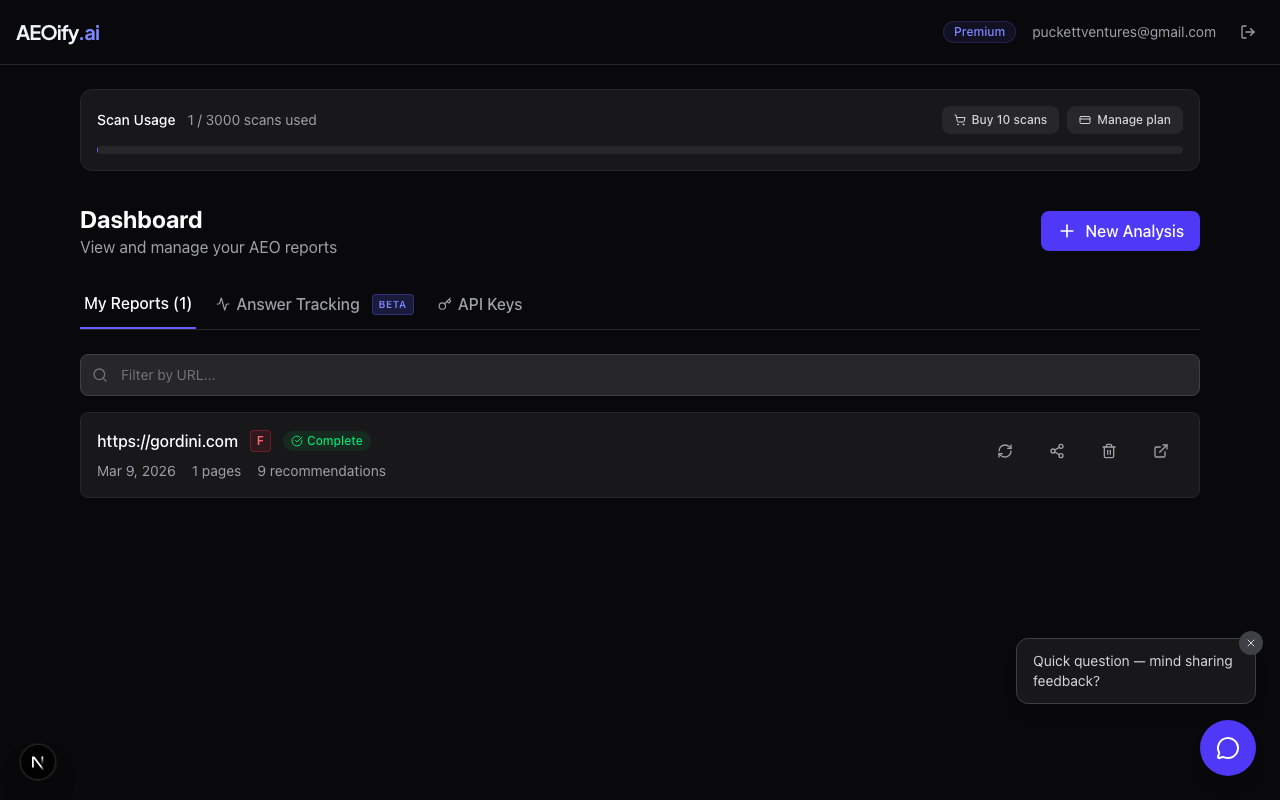
The dashboard is your home base. From here you can:
- View past reports: All your analyses are listed with their status and creation date.
- Start new analyses: Click "New Analysis" to scan a new URL.
- Check usage: See how many scans you have used this billing cycle.
- Manage API keys: Create and revoke API keys for programmatic access. See API keys.
- Track AI visibility: Monitor how AI models mention your brand with Answer Tracking. See Answer Tracking.
- Schedule recurring scans: Re-scan your site automatically and email co-branded reports to your team. See scheduled scans.
- Chat assistant: Use the floating chat widget for quick help, report lookups, and AEO questions. See using the chat assistant.
Signing in
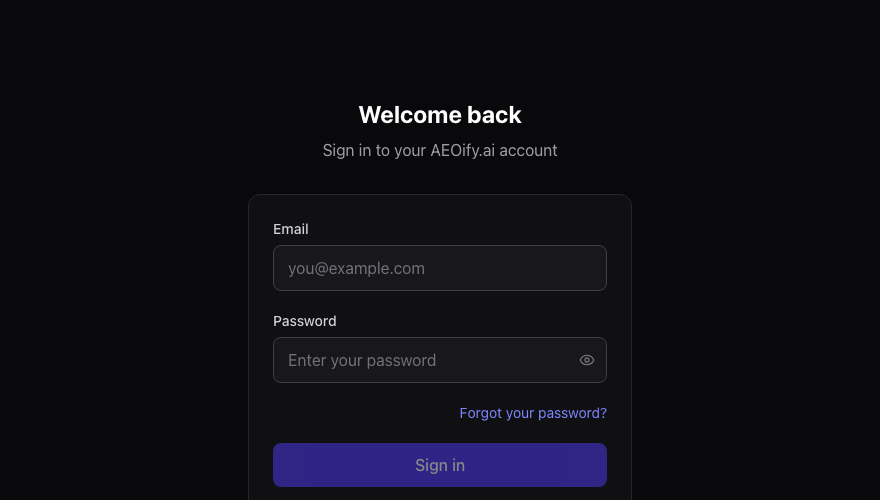
Use the email and password you set during registration. If you forget your password, contact support for assistance.
Account security
- Passwords are securely hashed and never stored in plain text.
- Session cookies expire automatically.
- You can sign out from any page using the sign-out option.
Need help
If you are having trouble accessing your account or need to update your email, contact our support team.
- Can I change my email address?
- Contact support to request an email change. This cannot be done self-service at this time.
- How do I sign out?
- Click the sign-out option available in the navigation after you are signed in.